Running online events well means juggling a lot of small pieces. There’s the webinar itself, of course, but also the links you send out beforehand, the recordings you share afterward, the reminders you can’t forget, and the question of whether people will even be at their computers when it’s time to start. Two new additions to LiveWebinar are built to fix exactly that kind of friction. Together, they make the platform easier to use — both for the person organizing the event and for the person trying to keep up with it as an attendee.

What is slowing webinar organizers down?
If you’ve ever run a multi-part course, a regular training series, or even just one busy webinar, you know the pattern. You send a confirmation email with a link. Then a reminder a day before. Then another one an hour before. Afterward, you follow up with the recording, maybe a slide deck, maybe a certificate. Each of these lands in a different email, so it’s easy for an attendee to lose track of at least one.
What is the Attendee Portal?
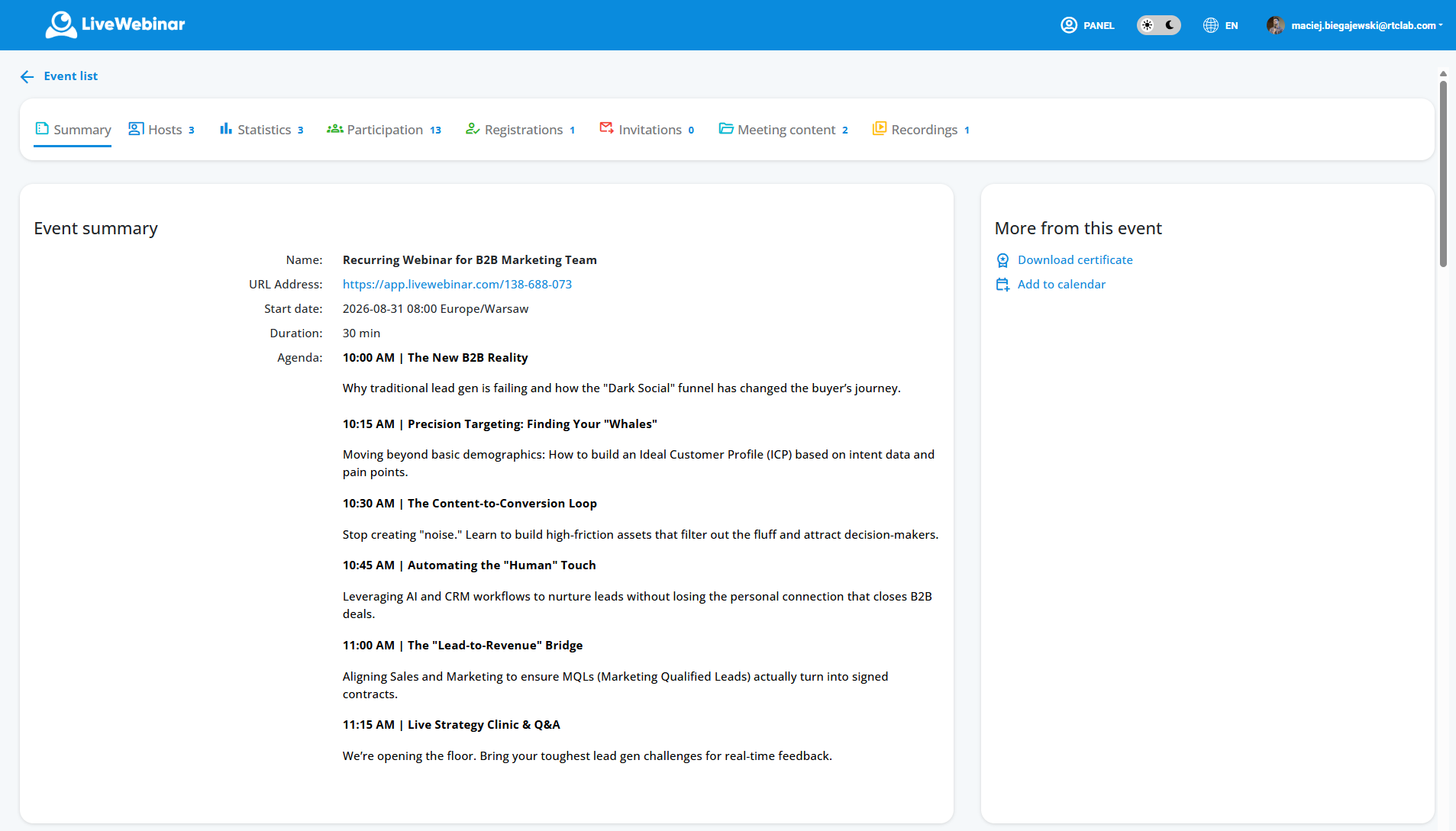
The new Attendee Portal solves this by giving each participant a single, persistent home base for everything related to your event. Rather than hunting through their inbox for “that link from last Tuesday,” attendees can log in and see their upcoming and past sessions, pull up recordings and presentation materials, and find whatever else you’ve chosen to share — all without you having to re-send a thing.
What can you do with the Attendee Portal?
- Keep past and upcoming events in one place
- Share webinar recordings and presentation materials
- Organize course and training content
- Support multi-session learning programs
- Give participants easy access to event information and resources
Who benefits most from the Attendee Portal?
This turns out to be especially useful for anything that unfolds over more than one session. Employee onboarding programs, customer education tracks, multi-week online courses, and ongoing webinar series all benefit from having a structured space where content accumulates in one location instead of scattering across dozens of separate emails. Attendees get a clearer sense of what they’ve already covered and what’s coming next, and organizers spend a lot less time playing email support desk. The Attendee Portal is available now on LiveWebinar’s Plus and Premium plans.
New Mobile Apps - More Flexibility
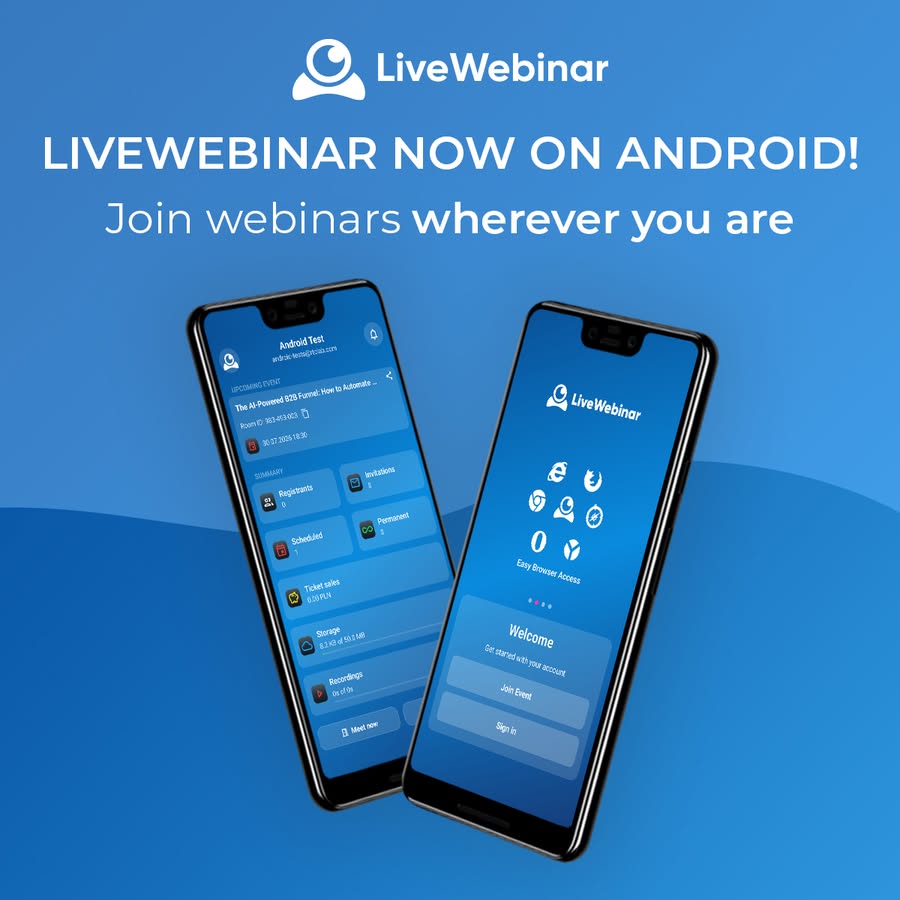
The second update addresses a different kind of friction: the assumption that running or joining a webinar requires sitting at a laptop. That assumption hasn’t matched how most people work for a while now, and LiveWebinar is catching up to that reality with dedicated apps for both Android and iOS.
The idea is a simple one — your webinars shouldn’t stop just because you step away from your desk. Traveling between meetings, working from somewhere other than your usual setup, or getting pulled into a session at the last minute no longer means scrambling to find a computer. With the app installed, your phone is enough.
What can you do with the iOS app?
On iOS in particular, the app packs in a genuinely complete feature set rather than a stripped-down companion experience. You can host and manage webinars from an iPhone or iPad, not just observe them. Chat, polls, and Q&A are all there, so you can keep a session interactive even when you’re not behind a keyboard. Screen sharing and the whiteboard work too, which matters a great deal for anyone running training sessions or product walkthroughs that depend on showing rather than telling. The app also keeps your webinars synced with your calendar, sends notifications and reminders, and lets you share presentations and other resources straight from your device.
The Android app takes the same core idea — staying connected to your events without being tied to a computer — and brings it to a much wider range of devices, making it easy to check in on a session, review an agenda, or simply stay in the loop while you’re out and about.
Neither of these updates is flashy on its own, but they both point in the same direction: fewer barriers between the moment you need to do something webinar-related and the moment you actually can. The Attendee Portal cuts down on the scattered links and forgotten emails that make multi-session programs harder to follow than they need to be. The mobile apps cut down on the assumption that “webinar” automatically means “laptop, at a desk, during business hours.”
Together, they make LiveWebinar a platform that fits into the way people actually work today — spread across devices, locations, and schedules — rather than asking people to fit themselves around the platform.
Recent Comments